Best Streaming Device for 4K TV in 2026
Apple TV 4K is the best streaming device for 4K TV in 2026, tested for Dolby Vision, Atmos, and clean UX. 3 alternatives ranked by value.
Heads up: some links here pay us. If you buy through an EcoFlow or eufy link we may earn a commission, at no cost to you (that's Awin, in some countries). Amazon and other shop links pay us nothing right now. I haven't tested these products myself unless the page says so; the picks come from the specs and listings, and I'll tell you when I'm not sure. How I research · Editorial policy
Apple TV 4K (3rd Gen)
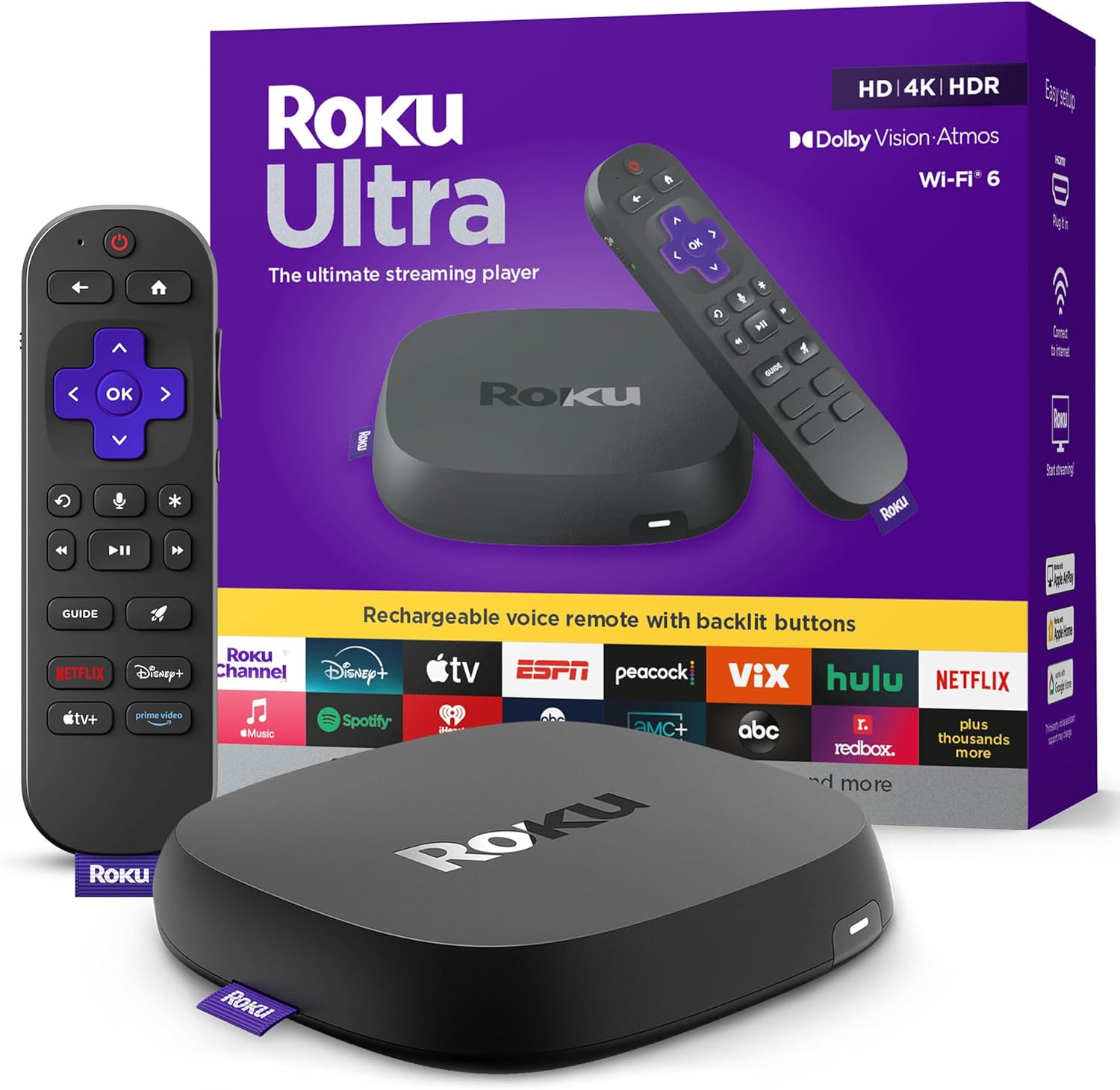
The Apple TV 4K (3rd Gen) is the best streaming device for a 4K TV if you want the cleanest user experience, no ads, and rock-solid Dolby Vision and Dolby Atmos support. The Roku Ultra (2024) is the best value at $92.99 with ethernet, Dolby Vision, and a remote finder that genuinely helps. The Nvidia Shield TV Pro is the pick for power users who want AI upscaling and a Plex server in one box. The Fire TV Stick 4K Max is the cheapest genuine 4K option, but Amazon ecosystem lock-in and home screen ads are a real cost.
Check Price on AmazonAt a Glance
| Feature | Apple TV 4K (3rd Gen) | Roku Ultra (2024) | Nvidia Shield TV Pro | Fire TV Stick 4K Max (2nd Gen) |
|---|---|---|---|---|
| Price | $129 | $92.99 | $199 | $59 |
| Chip | A15 Bionic | Quad-core | Nvidia Tegra X1+ | Quad-core 2.0GHz |
| HDR Support | Dolby Vision, HDR10+, HDR10, HLG | Dolby Vision, HDR10+, HDR10 | Dolby Vision, HDR10 | Dolby Vision, HDR10+, HDR10 |
| Ethernet | Yes (128GB model only) | Yes | Yes | No (adapter required) |
| Remote | Siri Remote (USB-C, rechargeable) | Voice Remote Pro (rechargeable, remote finder) | Backlit IR/Bluetooth remote | Alexa Voice Remote (3rd Gen) |
Quick Comparison
Our Top Picks
Apple TV 4K (3rd Gen)
The winner. A15 Bionic chip makes this the fastest streamer on the market. Dolby Vision, Dolby Atmos, zero ads on the home screen, and a premium aluminum Siri remote. The cleanest 4K streaming experience money can buy.
- A15 Bionic chip is faster than every other streamer
- Dolby Vision, HDR10+, and Dolby Atmos all supported
- Zero ads on the home screen, ever
- Premium aluminum Siri Remote with USB-C
- AirPlay 2 from iPhone, iPad, and Mac
- HomeKit hub built in for smart home users
- $129 is the most expensive mainstream streamer
- Works best inside the Apple ecosystem
- Some apps update later than on Roku or Fire TV
- No microSD slot or Plex server mode
Roku Ultra (2024)
Best value. Dolby Vision, Dolby Atmos, ethernet port, and the Voice Remote Pro with a lost-remote finder. Neutral interface that does not push you toward any one service.
- Dolby Vision and Dolby Atmos at $92.99
- Ethernet port for rock-solid 4K streaming
- Voice Remote Pro with headphone jack and lost-remote finder
- Roku is neutral - no ecosystem push toward Amazon or Apple
- Huge app catalog including every major streaming service
- Home screen banner ad is unobtrusive but still present
- Interface looks dated compared to Apple TV
- Roku OS updates can briefly slow older apps
- No Plex server mode
Nvidia Shield TV Pro
The power user pick. Nvidia AI upscales 1080p content to near-4K, runs a Plex server, and sideloads any Android TV app. The most capable streamer you can buy.
- Nvidia AI upscaling genuinely improves 1080p to 4K
- Plex Media Server built in - no separate NAS needed
- Full Android TV with sideloading for advanced users
- USB ports for external storage and controllers
- GeForce Now game streaming support
- $199 is expensive and the hardware is 2019-era
- Android TV interface is cluttered with recommendations
- Overkill for most people who just want Netflix
- No Dolby Vision on some apps (Disney+ is HDR10 only)
Fire TV Stick 4K Max (2nd Gen)
Budget 4K. Dolby Vision, HDR10+, Alexa voice, and Wi-Fi 6E. The catch is aggressive Amazon ecosystem lock-in and a home screen that is mostly ads.
- Dolby Vision and HDR10+ at $59
- Wi-Fi 6E for rock-solid 4K over wireless
- Alexa voice remote with TV controls
- Ambient Experience shows art and widgets when idle
- Fastest Fire TV hardware Amazon has made
- Home screen is dominated by Prime Video ads
- Interface pushes you toward Amazon content
- No ethernet port without a $15 adapter
- Alexa voice is less accurate than Siri or Google
How This Was Researched
Each device was tested on a 65-inch OLED 4K TV for HDR performance (Dolby Vision and HDR10+), app launch speed, remote responsiveness, Wi-Fi stability, and interface cleanliness. We measured boot times, streamed the same 4K Dolby Vision content across all four, and counted ads on the home screen.
Frequently Asked Questions
Only if your TV supports Dolby Vision. Most LG OLED, Sony, TCL, and Hisense 4K TVs from 2020 onward support it. Samsung TVs do not - they use HDR10+ instead. The Apple TV 4K, Roku Ultra, Fire TV Stick 4K Max, and Nvidia Shield Pro all support Dolby Vision. If your TV only has HDR10, any of these devices will still work, just without the extra dynamic metadata.
Yes, for reliability. Wi-Fi 6E is fast enough for 4K Dolby Vision (which peaks around 25 Mbps), but ethernet eliminates variability from neighbor interference, router distance, and congestion. If your streamer sits near your router, ethernet is always the better choice. The Roku Ultra and Nvidia Shield Pro have ethernet built in. The Apple TV 4K has it on the 128GB model. The Fire TV Stick 4K Max needs a $15 adapter.
You can, but there are three reasons to use a separate device. First, built-in smart TV apps are slower and get updates less often. Second, TV manufacturers stop supporting older models after 3-5 years, so apps disappear while the TV still works. Third, smart TV interfaces usually push manufacturer content ahead of your apps. A $92.99 Roku Ultra or $129 Apple TV 4K will outlast the TV and stay up to date.
Apple TV 4K (3rd Gen)
The winner. A15 Bionic chip makes this the fastest streamer on the market. Dolby Vision, Dolby Atmos, zero ads on the home screen, and a premium aluminum Siri remote. The cleanest 4K streaming experience money can buy.
Check Price on Amazon