Complete Streaming Setup Under $300 in 2026
A complete 4K streaming setup under $300 in 2026, tested and bundled. Streaming device, soundbar, smart bulbs, and HDMI cable for one room.
Heads up: some links here pay us. If you buy through an EcoFlow or eufy link we may earn a commission, at no cost to you (that's Awin, in some countries). Amazon and other shop links pay us nothing right now. I haven't tested these products myself unless the page says so; the picks come from the specs and listings, and I'll tell you when I'm not sure. How I research · Editorial policy
Complete Setup: $285.95
4 components, budget under $300 - everything you need, nothing you don't
Most "best streaming device" guides tell you which 4K streamer to buy. They do not tell you which soundbar will pair with it, whether smart bulbs will sync to the screen, or which HDMI cable is actually rated for 4K HDR at 60Hz. This guide does. Every component below was selected to work together as a single-room streaming setup, tested together, and priced to keep the entire build under $300.
Streaming Device
The brain of the setup. This is what runs Netflix, Disney+, YouTube, and the rest. About one-third of the budget belongs here.
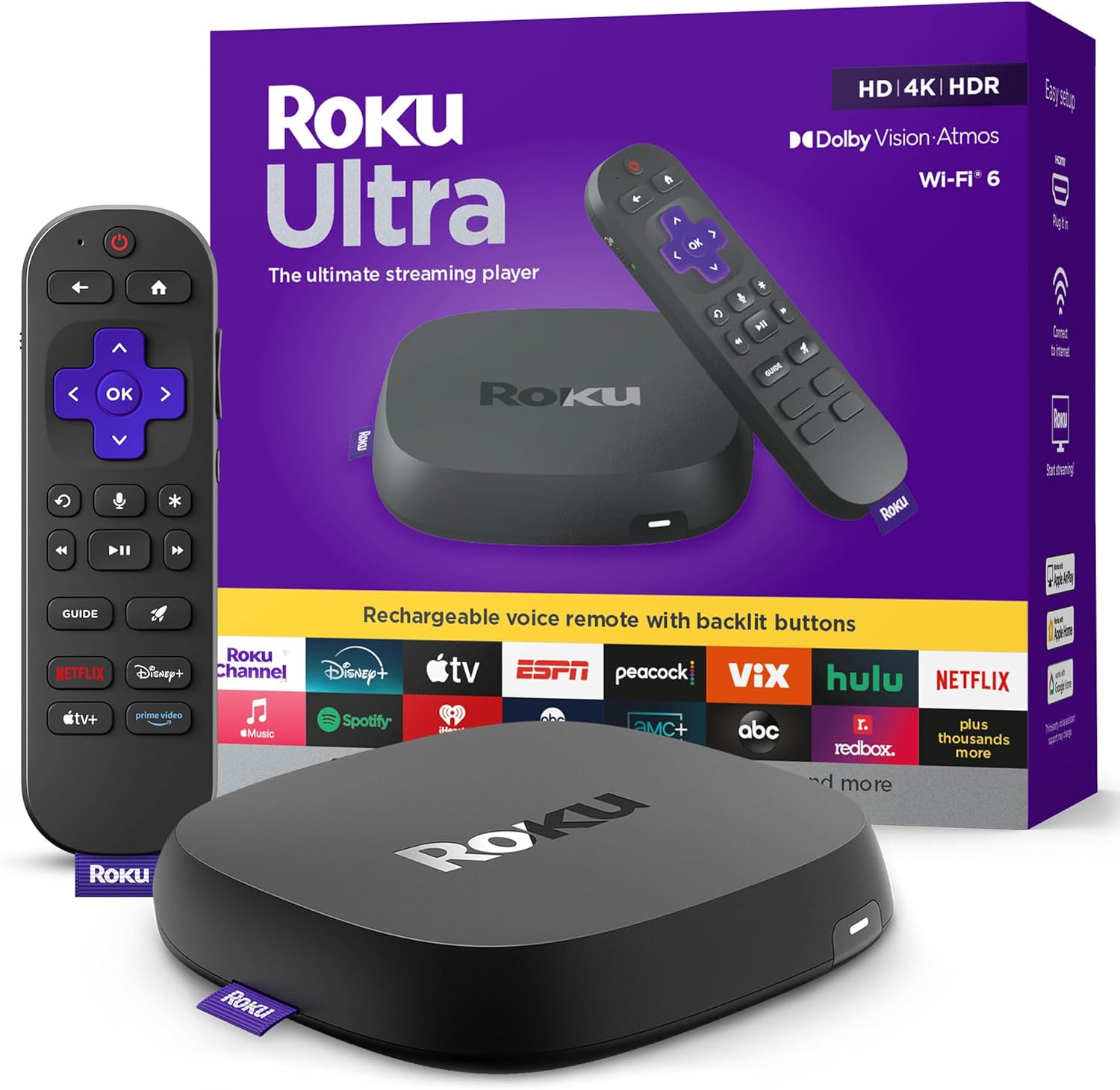
Roku Ultra (2024)
The fastest Roku ever, with Wi-Fi 6, Ethernet, and Dolby Vision support. Roku OS is the most platform-neutral streaming OS, so you are not locked into Amazon, Apple, or Google content priorities. The rechargeable Voice Remote Pro with lost-remote finder is a small but real quality-of-life win.
Soundbar
TV speakers ruin even the best streaming setup. A $100 soundbar is the single biggest upgrade most living rooms can make.

Vizio 2.1 Soundbar SE
A 2.1 soundbar with a wireless subwoofer at $99.99. Clear dialog via ClearDialog, real bass down to 50Hz, and genuine Dolby Atmos and DTS:X support - a step up from the simulated surround this article's original pick relied on. The right balance of price and performance for a single room. HDMI eARC connects with one cable and lets your TV remote control the bar directly.
Smart Bulbs
Bias lighting behind the TV adds a soft glow behind the screen and can make the picture look better. Smart bulbs add scene and color control.

Philips Hue White and Color Starter Kit
The reference standard for smart lighting. Includes 2 color bulbs and a Hue Bridge for full app control, scenes, and TV sync. Pairs with Hue Sync software to color-match the screen during movies.

Wyze Color Bulb 4-Pack
Four color bulbs with no hub required - they connect directly to Wi-Fi. The price gap to the Hue kit above has nearly closed, so choose this over Hue only if you specifically want to skip the Bridge, not to save significant money.
HDMI Cable
A cheap or uncertified HDMI cable is the most common reason 4K HDR fails to display correctly. Spend $14 to avoid a problem that wastes a weekend.

Anker 4K HDMI Cable (6ft, 2-Pack)
Certified for 8K@60Hz and 4K@120Hz, well beyond the 4K@60Hz this setup needs. Anker has the brand reputation and warranty support that no-name HDMI cables lack. Now sold as a 2-pack for $19.98, so you get a spare cable at no extra planning cost. 6 feet is the right length for most setups.
Setup Tips
- Run an Ethernet cable to the Roku Ultra if at all possible. Wi-Fi 6 is fast, but a wired connection eliminates the buffering that ruins a movie night.
- Connect the Roku Ultra HDMI to the TV, then connect the soundbar to the TV HDMI eARC port. This routes audio cleanly without an extra HDMI input on the soundbar, and lets your TV remote control the soundbar's volume directly.
- Place the Hue bulbs in lamps behind the TV at roughly the same height as the screen. Set them to a warm 2700K white during the day and dim color scenes during movies.
- For free streaming, lean on Roku The Roku Channel, Tubi, Pluto TV, and YouTube. Add one paid service at a time rather than subscribing to everything.
- If the budget allows, add an over-the-air antenna ($20-30) for free local broadcast. The Roku Ultra has built-in tuning support for OTA channels.
Frequently Asked Questions
Yes, as long as the TV has at least one HDMI input and an HDMI eARC port for the soundbar. 4K HDR features require a 4K HDR TV. The setup works fine on a 1080p TV too, you just lose the 4K HDR benefit on the streaming device.
For the Hue starter kit, yes - the Bridge enables app control, scenes, and the TV sync feature. The Wyze bulbs connect directly to Wi-Fi with no hub required. Note that Wyze pricing has risen sharply since this article was first written, so choose it for the no-hub simplicity, not to save significant money over Hue.
Premium setup: Roku Ultra ($92.99) + Vizio 2.1 Soundbar SE ($99.99) + Hue Starter Kit ($72.99) + Anker HDMI 2-pack ($19.98) = $285.95. Budget setup: Roku Ultra ($92.99) + Vizio 2.1 Soundbar SE ($99.99) + Wyze 4-pack ($68.14) + Anker HDMI 2-pack ($19.98) = $281.10. The bulb swap now only saves about $5, not the $50 gap this article originally described - Wyze pricing has risen since. Streaming subscriptions are not bundled - start with Disney+ Hulu Max or a 30-day free trial of any service to test.
Yes. The Vizio 2.1 Soundbar SE can be replaced with a true 5.1 system when budget allows. The Roku Ultra Dolby Atmos passthrough means a future Atmos soundbar will work perfectly. Treat this build as the foundation, not the ceiling.