The Best Desktop CO2 Lasers for Clear Acrylic Projects (2026)
Diode lasers cannot cut clear acrylic. These enclosed desktop CO2 units can. Ranked for speed, software, and cut quality on 1/4-inch material.
Heads up: some links here pay us. If you buy through an EcoFlow or eufy link we may earn a commission, at no cost to you (that's Awin, in some countries). Amazon and other shop links pay us nothing right now. I haven't tested these products myself unless the page says so; the picks come from the specs and listings, and I'll tell you when I'm not sure. How I research · Editorial policy
Quick Comparison
Our Top Picks

OMTech Polar2 Pro 50W
- Air-cooled RF laser source - no external water chiller to plumb or maintain
- Natively supports LightBurn directly out of the box with zero hacking
- Includes a rotary attachment for engraving tumblers at no extra cost
- 28" x 14" work area with up to 2000 mm/s engraving speed and a 30,000-hour rated tube life
- No longer the budget pick - now priced close to the xTool P2S below, not far under it
- A very new listing on Amazon with few ratings so far - track record is still building
- Customer support can sometimes feel a bit sparse compared to premium US brands

xTool P2S
- A 55W powerhouse with a polished aesthetic
- Strong dual-camera alignment and curved-surface tracking
- Zero external water chillers; everything is integrated internally
- Active community and a wide range of first-party accessories (including a conveyor feeder)
- Sits at a significantly higher premium price bracket than the OMTech below was, though the gap has narrowed now that OMTech has repriced
- While it works with LightBurn, you miss out on some of its best proprietary camera features
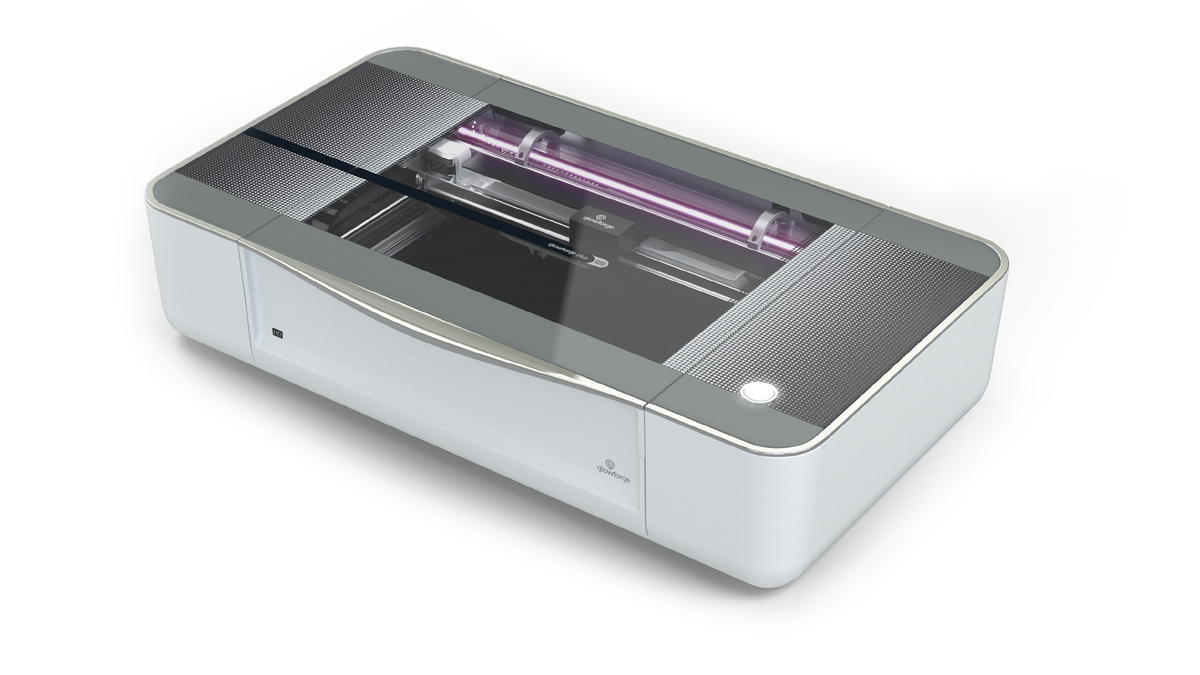
Glowforge Plus HD
- Zero software installation required; it runs entirely via a web browser
- Incredibly safe, fully enclosed, and heavily interlocked
- The "Proofgrade" material ecosystem automatically sets power and speed parameters instantly via a barcode scanner
- Live Camera View HD and Preview Mode let users check placement before cutting
- 40W is technically the bare minimum for thick single-pass acrylic cutting
- Fully dependent on the internet; if the servers are down, you cannot cut
- Current estimated ship time from Glowforge is 90 days - plan well ahead for a classroom deployment
How This Was Researched
Evaluating CO2 desktop units specifically for acrylic requires testing two crucial vectors: absolute continuous cutting power, and fume extraction efficiency. Cutting acrylic produces fumes, so each maker ventilation requirements matter. Machines were tested on their ability to execute a clean, flame-free, single-pass cut through 1/4" cast acrylic, while simultaneously evaluating how securely the manufacturer designed their internal ventilation exhausting fans.
Frequently Asked Questions
This is the most critical question in laser cutting. You MUST buy "Cast" acrylic to engrave. Extruded acrylic cuts moderately well, but when you engrave text into it, it melts into a gummy, sticky, ugly mess. Cast acrylic engraves into a beautiful, frosty, high-contrast white finish.
People attempt this "hack," but it is deeply flawed. Painting clear acrylic allows the Diode to heat the surface paint, which then melts through the plastic, but it leaves an atrocious, jagged, melted edge that cannot be sold professionally. If you want to cut clear material cleanly, you absolutely require a CO2 laser tube.